The Yearly Once-Over: A 20-Minute Safety Check for Your Home EV Charging Point
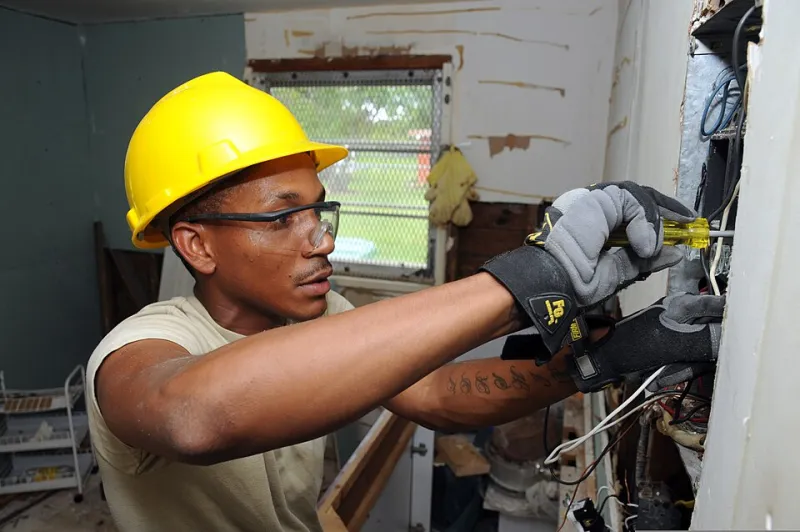
Photo: Spc. William J. Taylor, Public domain, via Wikimedia Commons
Home chargers are boring in the best way: you plug in, it works, you forget about it. That is also why they are easy to neglect. A quick annual inspection will not replace a proper electrician's service, but it can catch the small things that turn into expensive faults: a cracked holster, a chafed cable, a tripped RCBO that keeps resetting, or water where water should not be. Set a reminder, put the kettle on, and give your charging point twenty minutes.
Before you start
Work in daylight or good light. Keep children and pets clear. Do not open the charger, remove covers or poke around inside the consumer unit. If you can isolate the charger at its dedicated switch, do the visual checks with the power off. You will need the power on for the RCBO test, so do that part only if you are confident and the consumer unit is safe to access. If anything looks burnt, smells hot or is visibly damaged, stop and call a qualified electrician.
1. Look over the unit itself
Check the casing for cracks, discolouration, insect nests and water marks. Look at the mounting: is it still firm, or has the bracket pulled away? Check the cable entry gland and the seal around the front cover. A little condensation on a cold morning is normal; a tide mark, drips or rust is not. If the unit is in a garage, look for damp walls and leaking gutters above it. If it is outside, check that the cable does not run through a puddle or sit against a sharp edge.
2. Follow the cable end to end
Run your hand along the cable with the power off, looking for cuts, crushed sections, exposed inner wires and stiff or brittle patches. Pay attention to where it bends at the holster and where it enters the charger. Check the plug pins for scorching, green corrosion or a bent pin, and make sure the latch clips in properly. A cable that is warm after charging is normal; a cable that is hot, sticky or smells of burning is not. If the cable is damaged, stop using it and get it replaced.
3. Test the RCBO
Your charger should be protected by a dedicated RCBO or RCD, either in the consumer unit or built into the unit. Find the test button and press it. It should trip and cut the power. Reset it once and confirm the charger comes back on. If it will not trip, will not reset, or trips again immediately, call an electrician. Do not keep resetting a device that is doing its job. If your charger has an integrated protection device with its own test procedure, follow the manufacturer's instructions instead.
4. Check for heat and water
After a charge, look for brown marks, melted plastic or a smell of hot electronics around the unit, plug and isolation switch. Do not touch hot parts. Check the isolation switch for cracks, buzzing or a stiff action. Look at the holster: is it holding the plug securely, or is the plug dangling by the cable? A holster is cheap; a strained cable is not. If you see water inside the unit, condensation behind the cover or a tripped device after rain, get it checked before you plug in again.
5. Review the settings
Open the charger app or web portal and check the basics. Is the maximum current set where you expect it? Has the schedule changed after a firmware update? Is load management still working, and is the current clamp still fitted around the right cable? If you use off-peak tariffs, confirm the charging window is still correct. A charger that has quietly defaulted to full power can overload a tight supply, and one that has lost its schedule can cost you more than it should.
6. Tidy and record
Wipe the unit with a dry or slightly damp cloth, not a jet wash. Clear clutter around the charger and make sure the cable is not a trip hazard. Note the date, any faults and the RCBO test result in your phone or a notebook. If you had to reset anything, write that down too. A simple log makes it much easier to spot a recurring fault.
When to call an electrician
Call a qualified EV installer if you see damage, burning, water ingress, repeated tripping, a failed RCBO test or a cable that gets hot. Also call if the charger has stopped communicating, if the isolation switch is faulty, or if you are planning to change the circuit, add a second charger or alter load management. Do not attempt DIY repairs inside the unit; the capacitors can stay charged and the warranty will not thank you.
Make it a yearly habit
Twenty minutes once a year is a small price for peace of mind. Do it after winter, when the worst of the weather has passed, and again before the cold if you want to be extra careful. Your charger is part of your garage's electrical system, not an appliance you can forget. A quick look now can save a call-out later, and it keeps the whole setup safe for the car, the house and the person holding the plug.